AI agents can book, browse, and execute tasks on your behalf — but the moment they need to pay for something, most setups have no real guardrails in place. A budget isn't just a number. It's the policy layer that keeps autonomous spending under control.
TL;DR
Giving an AI agent a budget means more than depositing funds — it requires a policy layer that defines how much the agent can spend, on what, and for how long.
Three approaches, three different situations:
- API key scoping — fastest to set up, right for prototypes where human oversight is constant
- FluxA AI Wallet — purpose-built for autonomous agents; hard spending limits, single-use cards, and full audit trail out of the box
- Stripe SPT — right for consumer-facing agents that spend on a user's behalf, charged to their saved payment method
What it prevents: An autonomous agent with unrestricted access to your funds.
Why budgeting an AI agent is not the same as funding a wallet
Most people's first instinct is to treat an agent's budget like a prepaid card — top it up, hand it over, let it run. That works until it doesn't. A misbehaving agent, a prompt injection attack, or a simple logic error can exhaust an unprotected balance faster than any human would notice.
The real challenge isn't funding the agent. It's controlling what it can do with that funding — without micromanaging every transaction.
Background: why traditional payment methods fall short
Handing an agent a payment credential without a policy layer is like giving someone a blank check. Three common approaches — and why each creates exposure:
Sharing a real card number — The agent has access to your full credit line. If details leak or the agent is manipulated, revocation means cancelling the entire card.
Giving an API key with billing attached — All-or-nothing access. The agent can trigger unlimited charges until you manually revoke the key, often requiring a code change and redeployment.
Transferring funds directly to an agent-controlled account — Once funds are transferred, they are outside your control. Payments may be irreversible, with no spending cap, no audit trail, and no kill switch.
What's missing in all three:
- Hard spending limits enforced at the infrastructure level
- Scoped, revocable credentials that expire automatically
- An audit trail logging every action with agent identity and context
- A one-click way to freeze the agent without touching your codebase
Purpose-built agent wallet infrastructure (like FluxA AI Wallet) treats budget policy as a first-class feature from the ground up, rather than patching controls onto tools that weren't built for agents.
How to Give an AI Agent a Budget: 3 Methods
The right approach depends on how much control you need, how fast you want to ship, and whether you have engineering resources to build and maintain payment infrastructure.
There's no single right answer — the right method depends on one question: is your agent spending its own funds, or acting on behalf of a human user?
Method 1: Spending Limits via API Key Scoping
Best for: Early-stage prototypes where real financial exposure is minimal and speed matters more than control.
The problem it solves:
You need your agent to call paid APIs without setting up dedicated payment infrastructure. API key scoping is the fastest starting point — restrict what an agent can charge by limiting the keys it has access to.
How it works:
Issue separate API keys per agent, set billing alerts on each, and manually monitor usage. Some platforms (OpenAI, Anthropic) allow per-key usage caps.
Step 1 — Issue. Create a dedicated API key for the agent, separate from your main account credentials.
Step 2 — Scope. Set billing alerts and usage caps where the platform allows. Keep the key isolated to a single agent or task.
Step 3 — Monitor. Review usage manually. Rotate the key immediately if behavior looks anomalous.
Key features:
- No additional infrastructure needed
- Works with any agent framework today
- Compatible with platforms that support per-key usage caps
Pros:
- Zero setup friction — works out of the box
- No new tools or accounts required
Cons:
- Caps are soft limits — alerts fire after the fact, not before
- No per-transaction control or audit trail
- Revocation requires manual key rotation
- No protection against prompt injection or runaway loops
Best for: Prototypes and internal tests where stakes are low and human oversight is constant. Not suitable for production agents operating autonomously.
Method 2: FluxA AI Wallet (Recommended for autonomous agents)
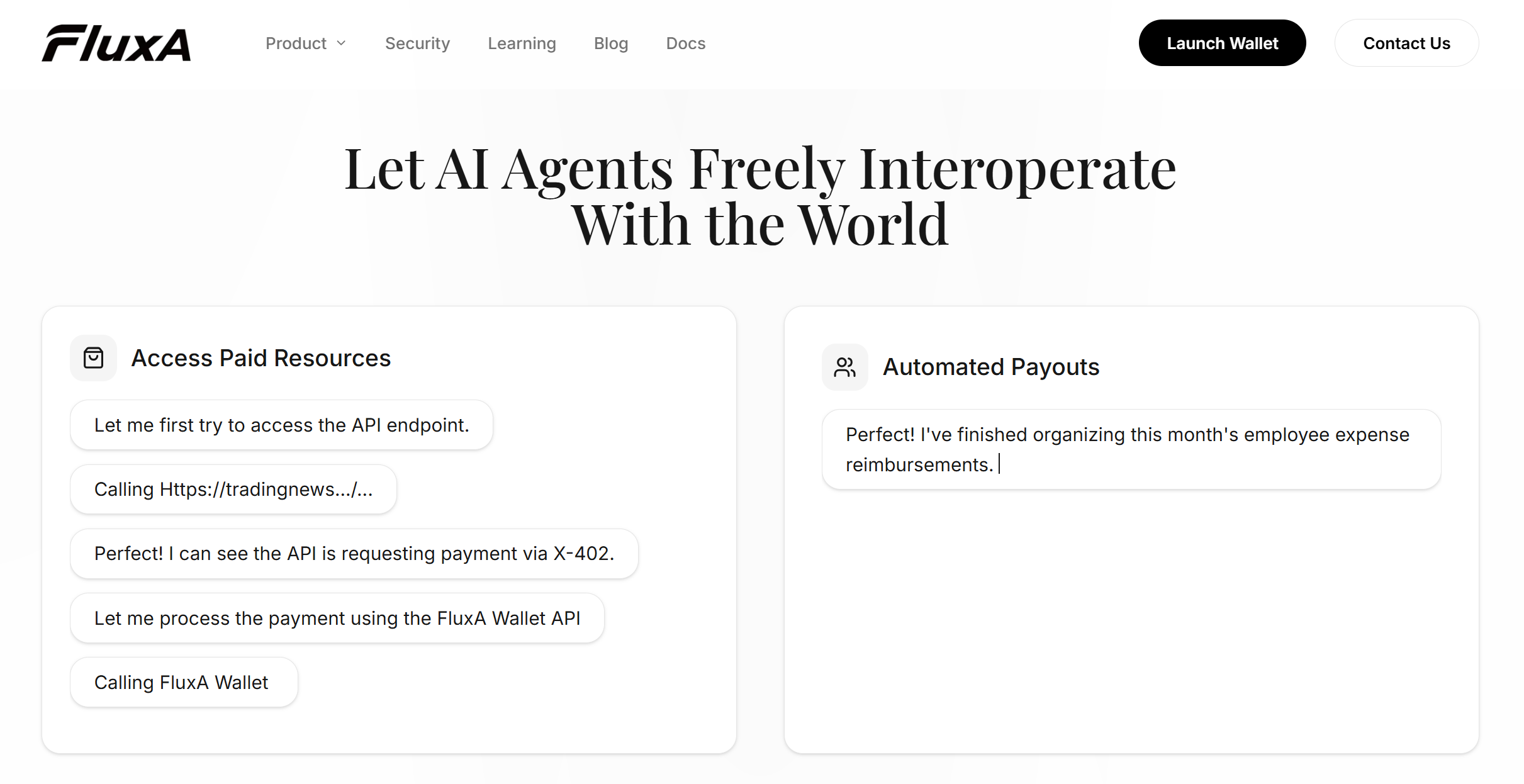
Best for: Agents that operate independently — calling paid APIs, purchasing data feeds, settling micro-invoices, or executing workflows without a human in the loop.
The problem it solves:
Your agent runs at 2am, needs to pay for an API call, and there's no one available to approve it. API key alerts fire too late. FluxA is built specifically for this gap: the agent holds its own funds, operates within rules you define once, and never interrupts you for routine transactions.
How it works:
FluxA runs on an authorize-then-act model, you set the policy once, your agent handles everything within it.
Step 1 — Authorize. Grant your agent a FluxA Agent ID and approve wallet access via a one-click URL. Set a spending budget and choose your policy: per-transaction approval, or pre-authorized within a scoped time window.
Step 2 — Transact. The agent pays autonomously within your limits — via x402 payments, single-use AgentCards, or direct payouts — without interrupting you.
Step 3 — Audit. Every payment is automatically logged with agent identity, mandate context, and timestamp. Full audit trail available from your dashboard anytime.
Key features:
- Hard spending caps enforced at the infrastructure level — not advisory alerts
- Single-use AgentCards that auto-invalidate after each transaction
- Real-time risk control against hallucinations and prompt injection
- Non-custodial base layer via Privy — FluxA holds no customer funds
- One-click revocation, instant effect
Pros:
- Agent holds its own funds — no human account required
- Infrastructure-level spending controls, not code-level guardrails
- MCP-native, works with Claude Code, Codex, OpenClaw and more
- Ready in under 5 minutes
Cons:
- Payment layer uses digital currency — teams requiring direct fiat billing may need an additional solution
- Greatest value within MCP and agent-native ecosystems
Best for: Any autonomous agent that needs to spend money independently — on APIs, tools, data, or services — without waiting for human approval each time.
Method 3: Stripe Shared Payment Tokens (SPT)
Best for: Agents that shop or book on a human user's behalf, charged to the user's saved payment method.
The problem it solves:
You're building a consumer-facing product — a shopping assistant, a travel booking agent, a personal finance tool — where the agent acts on a user's behalf and the cost should appear on their card, not a shared wallet. The agent doesn't need its own funds. It needs delegated access to a human's payment method, scoped and revocable.
How it works:
Stripe's Shared Payment Tokens let an agent initiate purchases using a human user's saved card — without ever exposing the underlying credentials. The agent is a purchasing proxy; the buyer's identity and payment method stay entirely within Stripe's infrastructure.
Step 1 — Connect. Install the Stripe Agent Toolkit and configure your API keys.
Step 2 — Delegate. The human user authorizes the agent to act on their behalf. Stripe issues a scoped SPT — bounded by merchant, time, and amount, monitored via webhook.
Step 3 — Purchase. The agent completes transactions on the user's behalf. Stripe handles checkout, tax, and fulfillment via the Agentic Commerce Suite.
Key features:
- SPTs scoped by merchant, amount, and time — monitored via webhook in real time
- Stripe Radar fraud screening on every transaction
- Already live with Etsy and URBN (Anthropologie, Free People, Urban Outfitters)
Pros:
- Right model for consumer-facing products — agent charges the user's card directly
- Familiar infrastructure for teams already running Stripe billing
Cons:
- $0.30 fixed fee per transaction — makes micropayments economically unviable
- Agent does not hold its own funds; requires a linked human account
- No independent agent policy engine — controls depend on token scope only
- Not designed for autonomous agent-to-API payments
Best for: Consumer-facing agents buying on a user's behalf. Not the right fit for autonomous agent workflows or API micropayments — for those, see Method 2.
At a Glance
| API Key Scoping | FluxA AI Wallet | Stripe SPT | |
|---|---|---|---|
| Agent holds own funds | ❌ | ✅ | ❌ |
| Hard spending limits | Soft only | ✅ Infrastructure-level | ✅ Token-level |
| Per-transaction control | ❌ | ✅ | ✅ |
| Single-use credentials | ❌ | ✅ AgentCard | ❌ |
| Audit trail | ❌ | ✅ Automatic | Webhook only |
| Risk controls | ❌ | ✅ Built-in | Stripe Radar |
| One-click revocation | ❌ | ✅ | ✅ per token |
| Micropayments | ❌ | ✅ fractions of a cent | ❌ $0.30 floor |
| Setup difficulty | Low | Low | Medium |
| Best for | Prototypes | Autonomous agent workflows | Consumer purchasing agents |
For most teams deploying agents in production, FluxA sits in the right position — the spending control you need without the engineering overhead, and the simplicity of an API approach without the exposure. API key scoping works for prototypes; Stripe SPT covers the consumer checkout scenario; FluxA is built for everything in between and beyond.
Before your agent touches real funds
The core principle: constrain first, expand later. Spending policy is the foundation — not something to configure after go-live.
Four risks to address before deployment:
- Runaway spending — without hard caps, a looping agent or hallucinated task chain can exhaust a balance silently. Per-transaction limits and daily budgets are structural constraints, not advisory warnings
- Credential exposure — a real card or root private key stays valid until manually revoked, often requiring a code change. Use single-use AgentCards or scoped session keys that expire automatically
- Prompt injection — malicious instructions in external content can redirect payments. FluxA's risk control layer detects and freezes anomalous activity in real time; other setups require building this separately
- Irreversibility — some agent payments cannot be reversed once executed. Design spending rules for the worst case, then test revocation before going live”
On compliance: Agents interacting with regulated payment rails may trigger KYC obligations under FATF guidelines. FluxA's AEP2 protocol includes optional KYC/KYB/KYA modules for teams in regulated environments. Get legal review before handling real funds at scale.
Conclusion
Giving an AI agent a budget is a policy question before it's a technical one. The agent needs funds to act — you need guarantees on how it acts with them. The right infrastructure makes both true at once.
FluxA is built exactly for this: spending mandates, single-use cards, real-time risk control, and a full audit trail — without building custom payment infrastructure or managing your own credentials.
Give your agent a budget it can't exceed. Start with FluxA AI Wallet →
FAQ
Can an AI agent spend money on its own?
Yes — within boundaries you define. An agent wallet like FluxA enforces a spending mandate you set in advance. The agent transacts autonomously within those limits; anything beyond them is blocked before it's attempted.
What is the safest way to give an AI agent payment access?
Three components working together: hard spending limits enforced before transactions execute, scoped credentials that expire automatically, and real-time monitoring that can freeze unusual activity. FluxA provides all three by default.
How do I stop an AI agent from overspending?
Set a hard cap at the infrastructure level — not in a system prompt. A prompt-based budget is advisory; the agent reasons about it but cannot enforce it. Infrastructure-level caps block the transaction structurally before it goes through, regardless of what the agent was instructed to do.
What happens if I need to revoke my agent's payment access immediately?
With FluxA, one click from the dashboard — no code changes, no redeployment, instant effect. Other setups typically require a key rotation or code redeployment, which takes time and technical access.
Do I need technical knowledge to set up an agent budget with FluxA?
No. FluxA's dashboard handles wallet setup, spending mandates, and agent authorization without any coding. An SDK and developer documentation are available for teams that want deeper integration.